Notifications
Choose which notifications you get in the app, by email, or as browser push notifications, and see the reminders Streaminz sends.
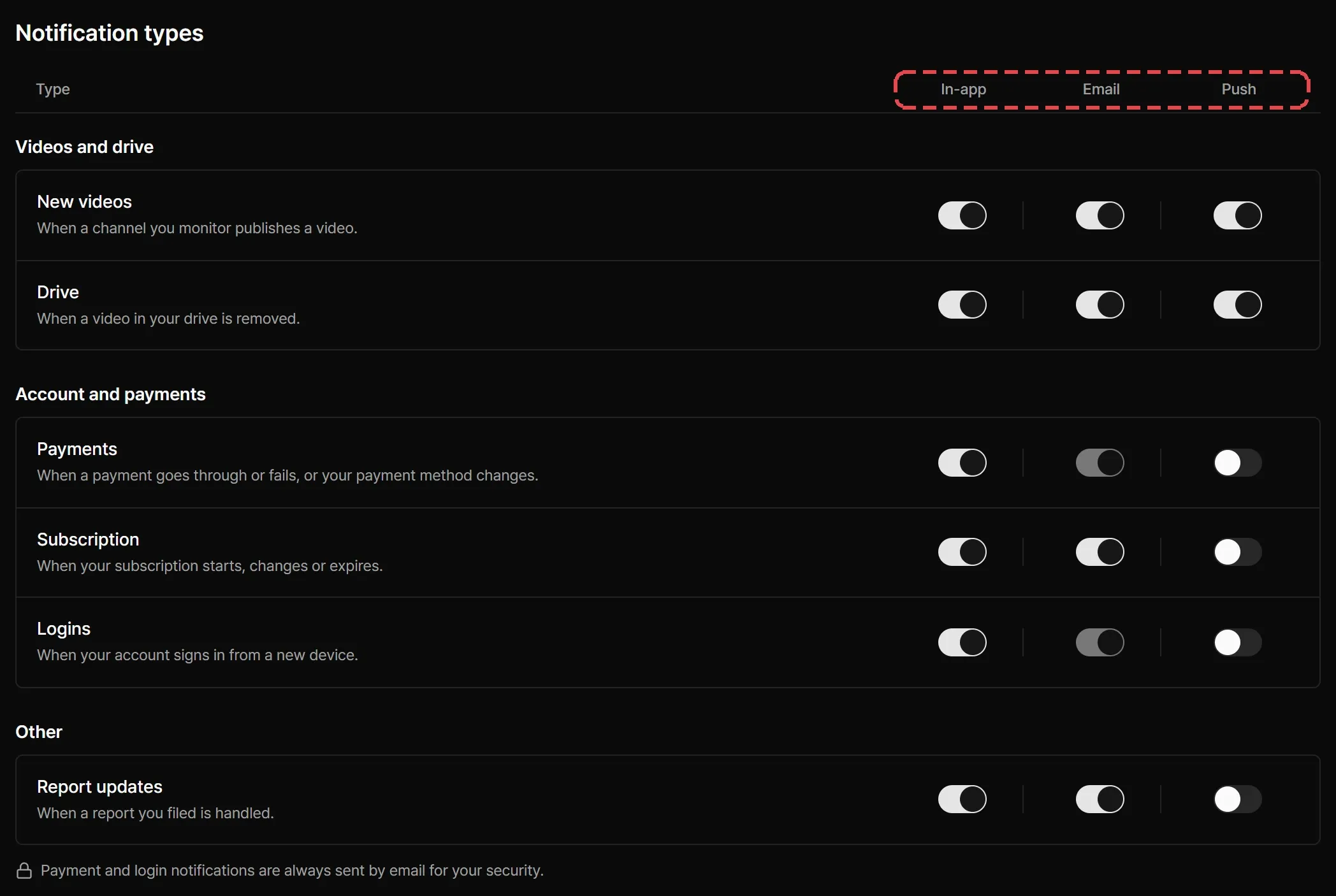
In Dashboard > Notifications, turn In-app, Email, and Push on or off for each type.
Notification types
| Type | When Streaminz sends it | |
|---|---|---|
| New videos | A channel you monitor publishes a video. | Optional |
| Drive | A video in your drive is removed. | Optional |
| Payments | A payment goes through or fails, or your payment method changes. | Always on |
| Subscription | Your subscription starts, changes, or expires. | Optional |
| Logins | Your account signs in from a new device. | Always on |
| Report updates | Streaminz handles a report you filed. | Optional |
Streaminz always emails payment and login notifications, so you can spot activity you didn’t expect.
To stop new video notifications from one channel and keep monitoring it, turn off New video notifications for it under the channel’s Monitoring settings. See Monitoring channels.
Reminders and digests
Streaminz also sends these reminders:
- Weekly digest: an email that lists new VODs from the channels you monitor.
- Expiring videos: a reminder before VODs from your monitored channels expire, when you haven’t finished watching them or saved them to your drive.
Emails about new videos and your drive include a link to your notification settings.
Notification history
In-app notifications appear under the bell in the top bar. You can see notifications from the last 90 days.
Announcements
Service notices, such as planned maintenance, appear at the top of the home page. Close one with Dismiss (×) and it stays hidden in that browser. Some important notices can’t be closed.
Browser push notifications
Push notifications reach you in a browser even when Streaminz is closed.
- Under Browser push notifications, select Turn on in this browser.
- Allow notifications when your browser asks.

Each browser that gets your push notifications appears in the list of registered browsers. Select Remove to stop sending to one. Each account can register a limited number of browsers.