Account settings
Change your avatar, email address, language, time zone, and sensitive content setting, and manage marketing emails.
Manage your profile and preferences in Dashboard > Account.
Avatar
Click the avatar, upload a PNG, JPEG, or WebP image, crop and zoom it, and select Save. Remove avatar puts the default back. If you signed up with a social account, Streaminz starts you with its profile image.

Account details
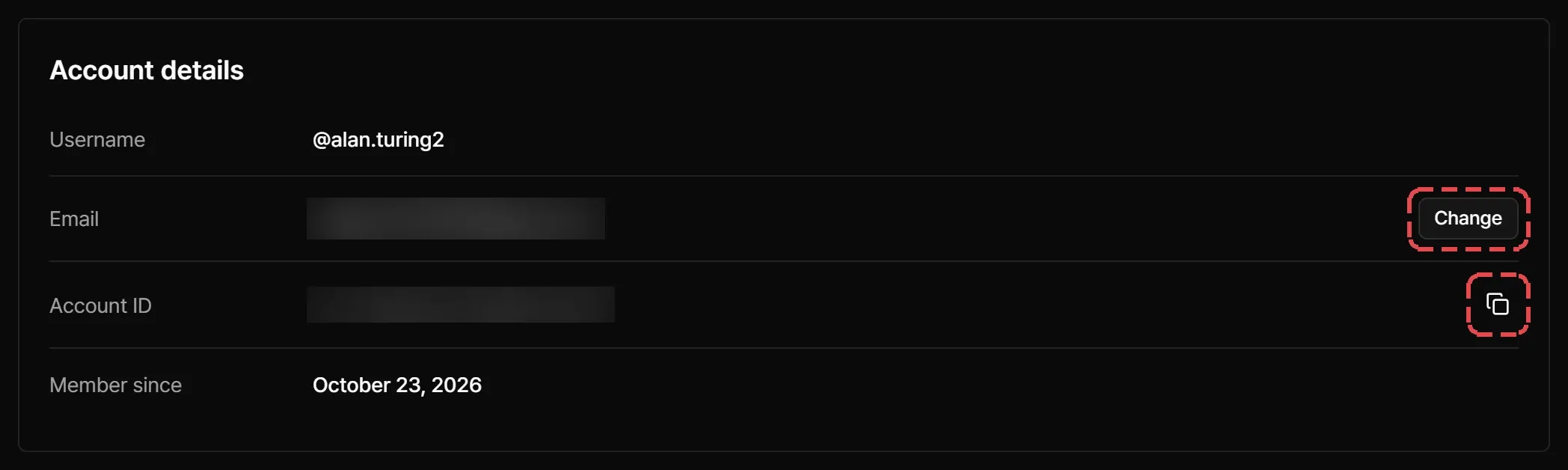
Account details shows your username, email, account ID, and the date you joined (Member since). If support asks for your ID, select Copy account ID.
Change your email
- Select Change next to Email.
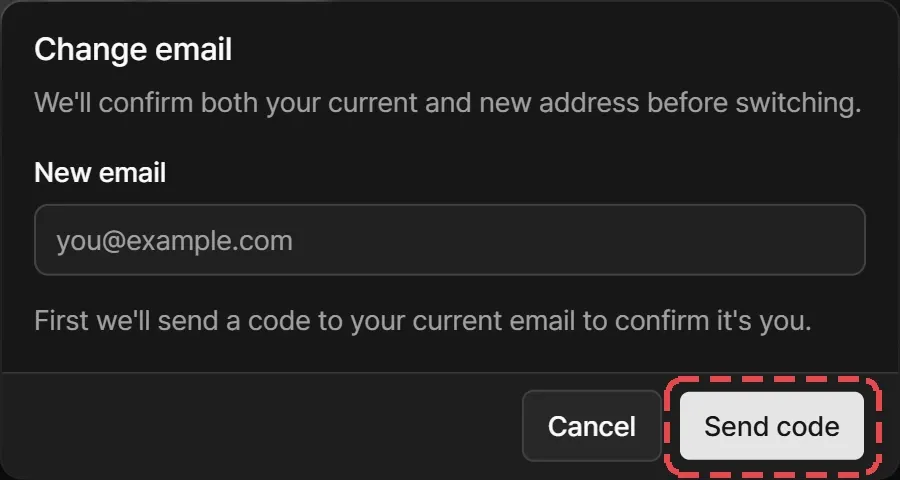
- Enter the new address and select Send code. Streaminz sends a code to your current email. Enter it and select Verify.
- Streaminz sends a code to your new email. Enter that one and select Verify.
- Select Change email.
You sign in with the new address from then on. Streaminz also emails your old address a link to undo the change in case someone else made it.
Language and time zone
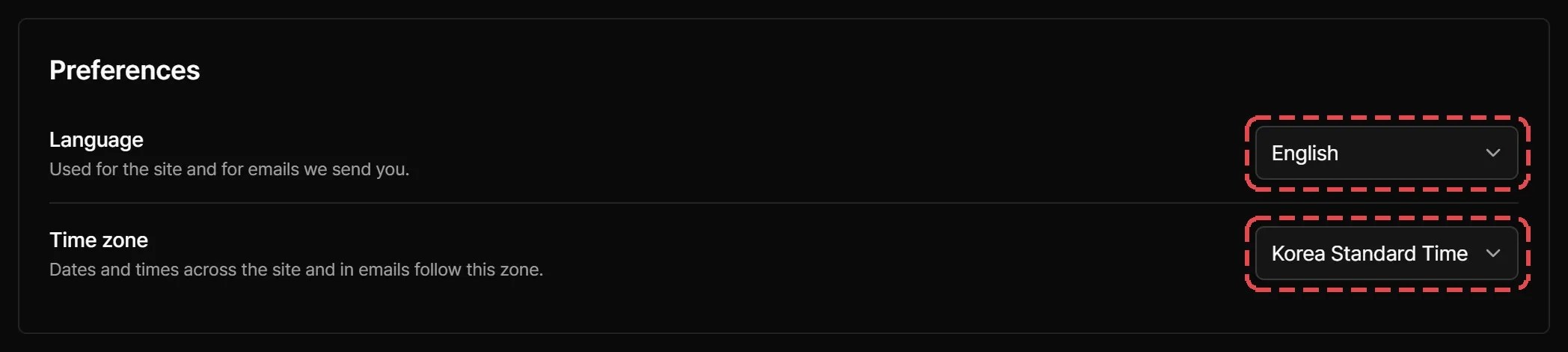
- Language applies to the site and the emails Streaminz sends you. Choose English, 한국어, 日本語, 简体中文, or 繁體中文.
- Time zone sets how the site and emails show dates and times. Choose Local Time, UTC, or Korea Standard Time (KST).
Sensitive content
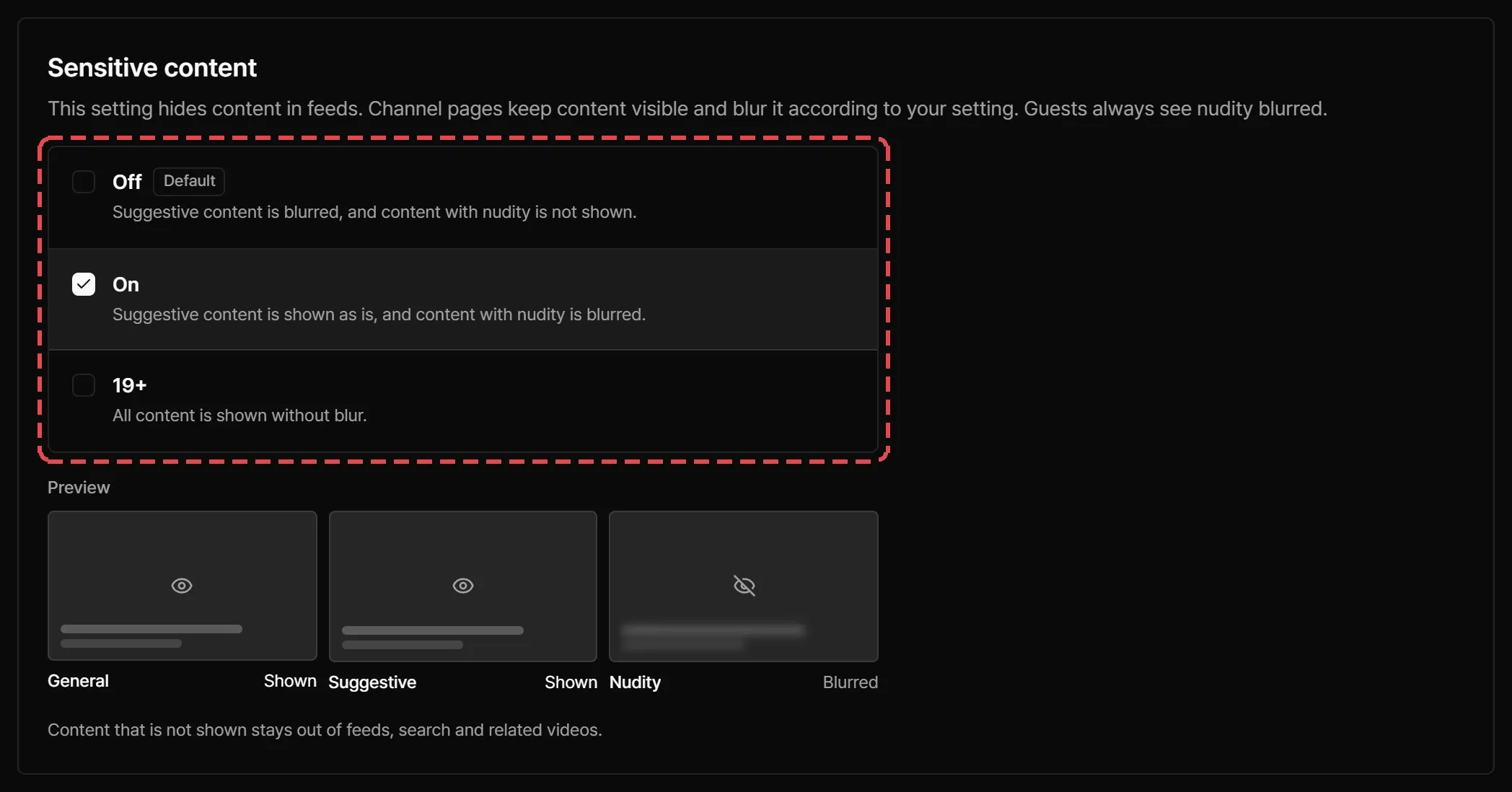
Streaminz rates each video General, Suggestive, or Nudity. Your Sensitive content setting decides how you see each rating:
| Setting | General | Suggestive | Nudity |
|---|---|---|---|
| Off (default) | Shown | Blurred | Hidden |
| On | Shown | Shown | Blurred |
| 19+ | Shown | Shown | Shown |
Hidden videos stay out of feeds, search, and related videos. A blurred video shows a blurred poster, and its watch page asks you to confirm before it plays. On that page you can choose Watch this once or Always allow.
Change the setting under Sensitive content in Dashboard > Account. If you’re signed out, you can pick a setting too. Streaminz keeps it in that browser only, and feeds and search follow the Off rules until you sign in.
Marketing emails
When you sign up, you can opt in to emails about new features and offers. Each of those emails has an unsubscribe link. Service emails, such as receipts and sign-in alerts, don’t depend on this choice. See Notifications for the emails you can turn off.