Finding videos
Browse the home page, search Streaminz, follow hashtags, and use channel pages to find VODs, clips, and highlights.
Home page
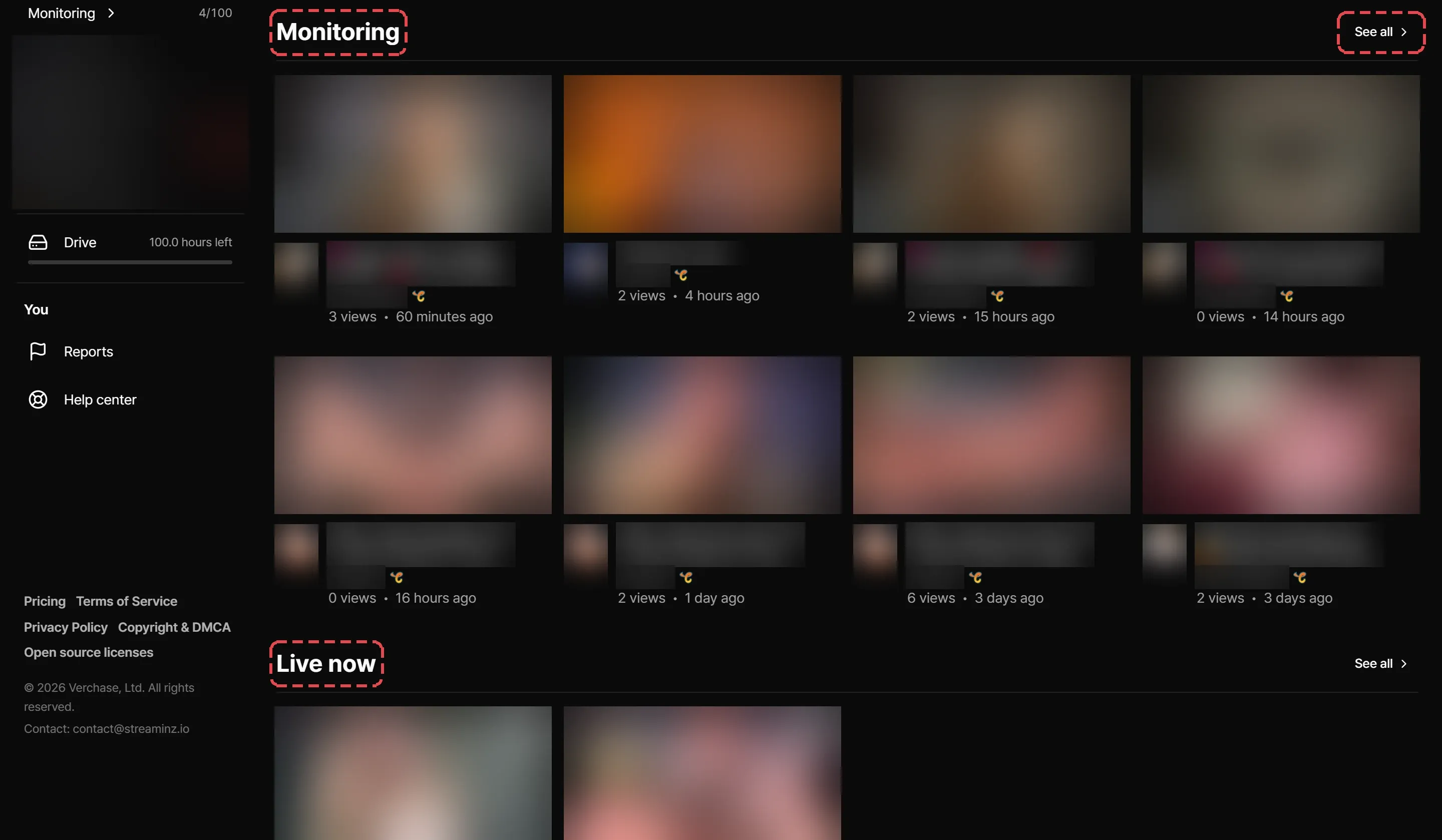
The home page stacks these sections. Select See all next to a section title to open its full list.
| Section | What it shows |
|---|---|
| Monitoring | New VODs from the channels you monitor, latest first. Appears once you monitor a channel. |
| Live now | Channels Streaminz is recording right now, by current viewers. Select one to open the channel page. |
| Trending | The most-watched VODs of the last few days. |
| Popular channels | Channels popular on Streaminz. Select Start monitoring on one to have Streaminz record it for you. |
| Latest broadcasts | The newest VODs, by when the stream started. |
See all on the Monitoring section opens the full list of new VODs from your monitored channels. Select All monitored channels there to manage them on the Monitoring page.
Your sensitive content setting decides what the home page shows. Content the setting hides stays out of feeds, search, and related videos.
Search
Type in the bar at the top of any page and press Enter to search channels, VODs, clips, and highlights together. Use the filters above the results to show only VOD, Clips, Highlights, or Channels. When a channel’s name matches what you typed, it comes first, followed by its latest broadcasts.
While you type, Streaminz suggests matching channels. Pick one with the arrow keys or a click to open it. If nothing matches, select Add it under Can’t find the channel you want? to add the channel.
Hashtags
Clips and highlights carry the tags their creators gave them, and VODs carry the broadcast’s tags from the platform, like its category. Select a tag on a video page to see every video with that tag.
Channel pages
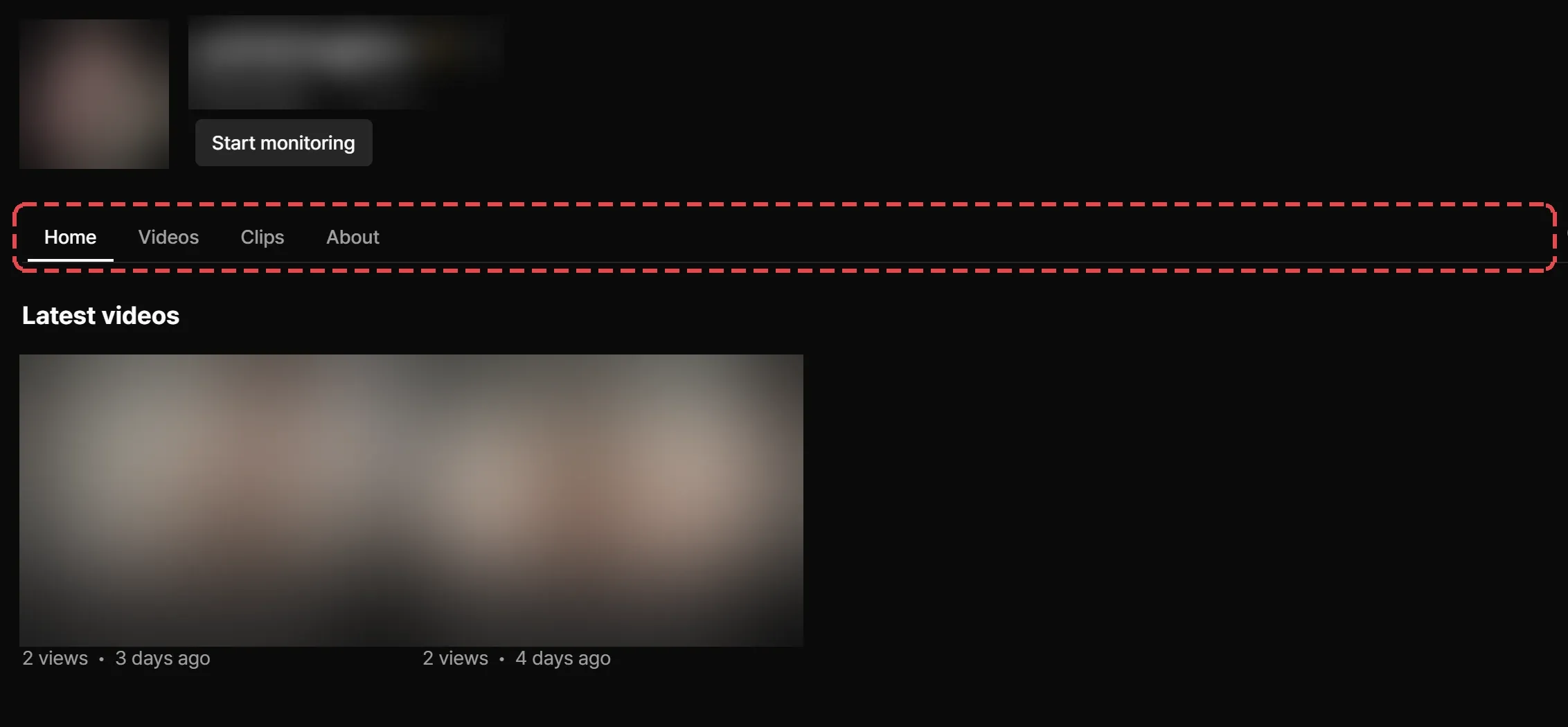
| Tab | Contents |
|---|---|
| Home | The broadcast Streaminz is recording now, if any, then the latest videos and clips. |
| Videos | All VODs recorded from the channel. A VOD still processing shows first. |
| Clips | Public clips that members cut from its VODs. |
| About | Links, stats, and a year of broadcast activity. |
Sort Videos and Clips by Newest, Popular, or Oldest. VODs sort by when the stream started.
To search one channel, select Search this channel at the end of the tabs, type, and press Enter. Narrow the results to VOD, Clips, or Highlights.
When the platform suspends a channel, its page shows a banner with the suspension’s end date and reason.
Related videos
Related videos sit next to the player. See Related videos and trends.