Sharing and downloads
Share short links that start at a specific time, embed videos, and download VODs, clips, and highlights for private viewing.
Share a video
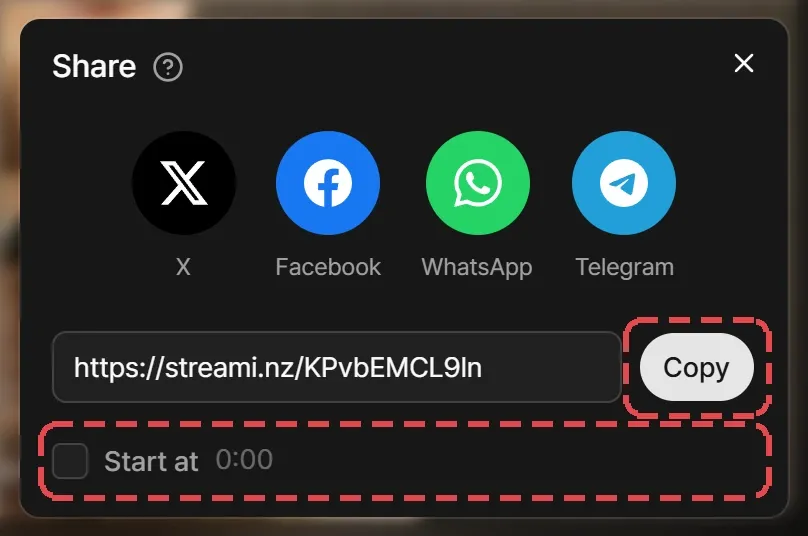
Select Share under a video to get a short streami.nz link, or post it straight to X, Facebook, WhatsApp, or Telegram. Turn on Start at to open the link at your current position, then select Copy.
To put a video on another site, right-click the player and select Copy embed code.
Download a video
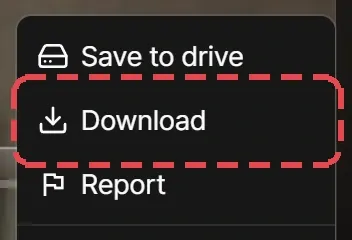
On a clip or highlight, select Download under the video. On a VOD, open More and select Download.
| What | Who can download |
|---|---|
| Clips and highlights | Anyone signed in, on any plan or none. |
| VODs | Premium and Max members. After a VOD expires, only those who saved it to their drive. |
Downloads come in the broadcast’s own quality, the same file every plan plays.