Reporting content
Report a VOD, clip, or highlight that breaks the rules, and follow the status of your reports.
Report a video
-
Sign in and open the video.
-
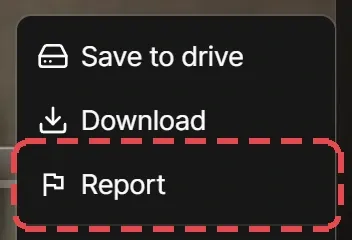
Open the More menu (⋯) next to the video’s actions and select Report.
-
Choose a reason. Add where the problem is, such as the time
12:34, if it helps. -
Select Report.
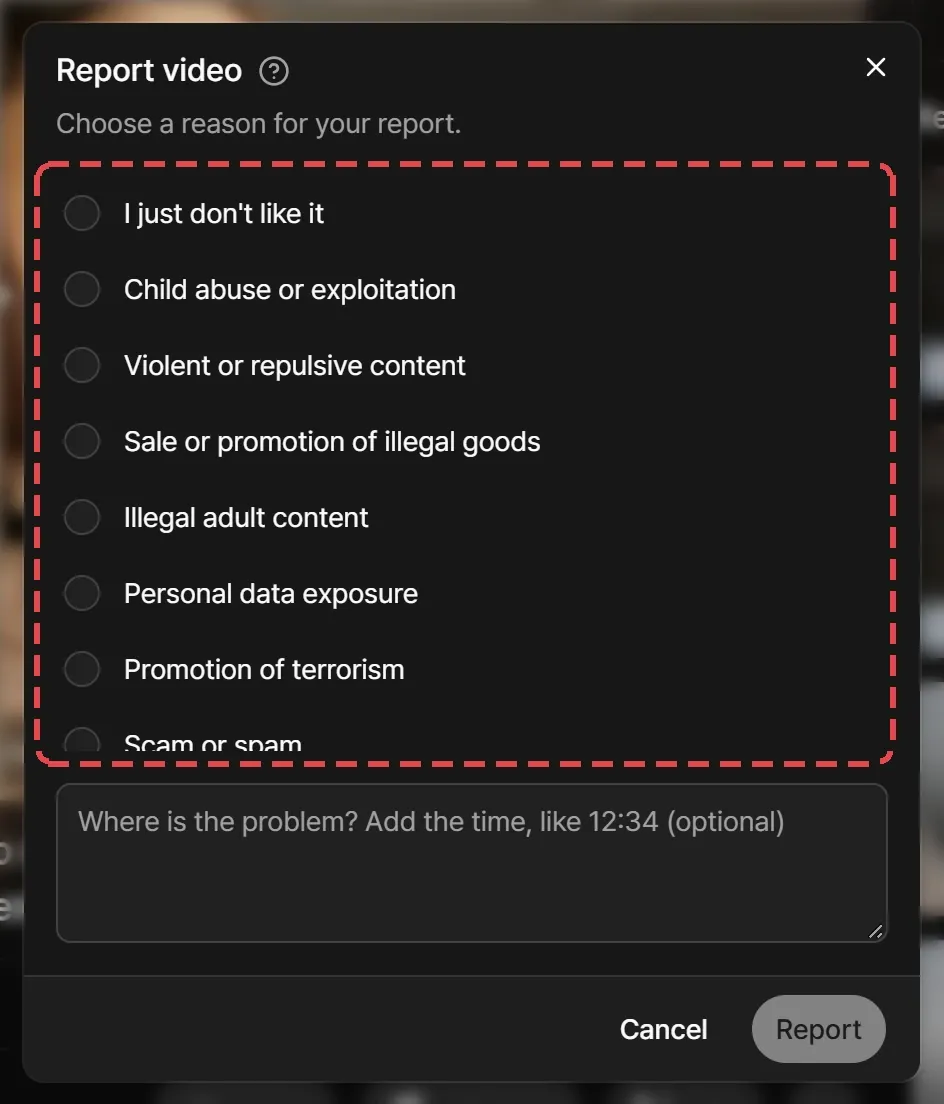
You can report VODs, clips, and highlights. You can report each video once, and you can’t report clips or highlights you made.
Report reasons
- I just don’t like it
- Child abuse or exploitation
- Violent or repulsive content
- Sale or promotion of illegal goods
- Illegal adult content
- Personal data exposure
- Promotion of terrorism
- Scam or spam
- Copyright infringement
- Other
- It’s not illegal, but it must be taken down
Track your reports
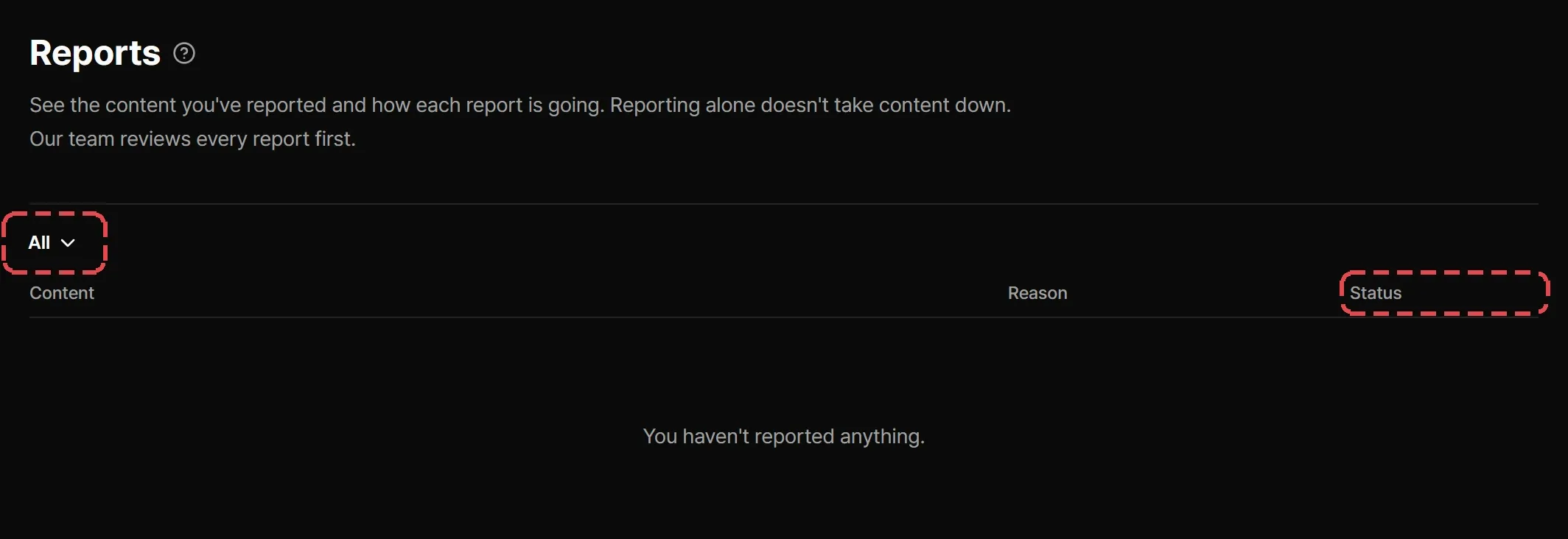
Reports in the sidebar lists what you’ve reported and where each report stands. Reporting alone doesn’t take content down: the Streaminz team reviews every report first. You get a Report updates notification when Streaminz receives a report and when it handles one.
| Status | Meaning |
|---|---|
| Submitted | Streaminz has it and hasn’t reviewed it yet. |
| Under review | The team is looking at it. |
| Resolved | Streaminz took action. |
| Rejected | Streaminz found nothing to act on. |
What happens after a report
The team may remove or restrict content, stop archiving a channel, limit features such as clips, highlights, or reporting, or suspend accounts. Filing false or abusive reports can cost you the ability to report. See Reports, moderation, and enforcement.